




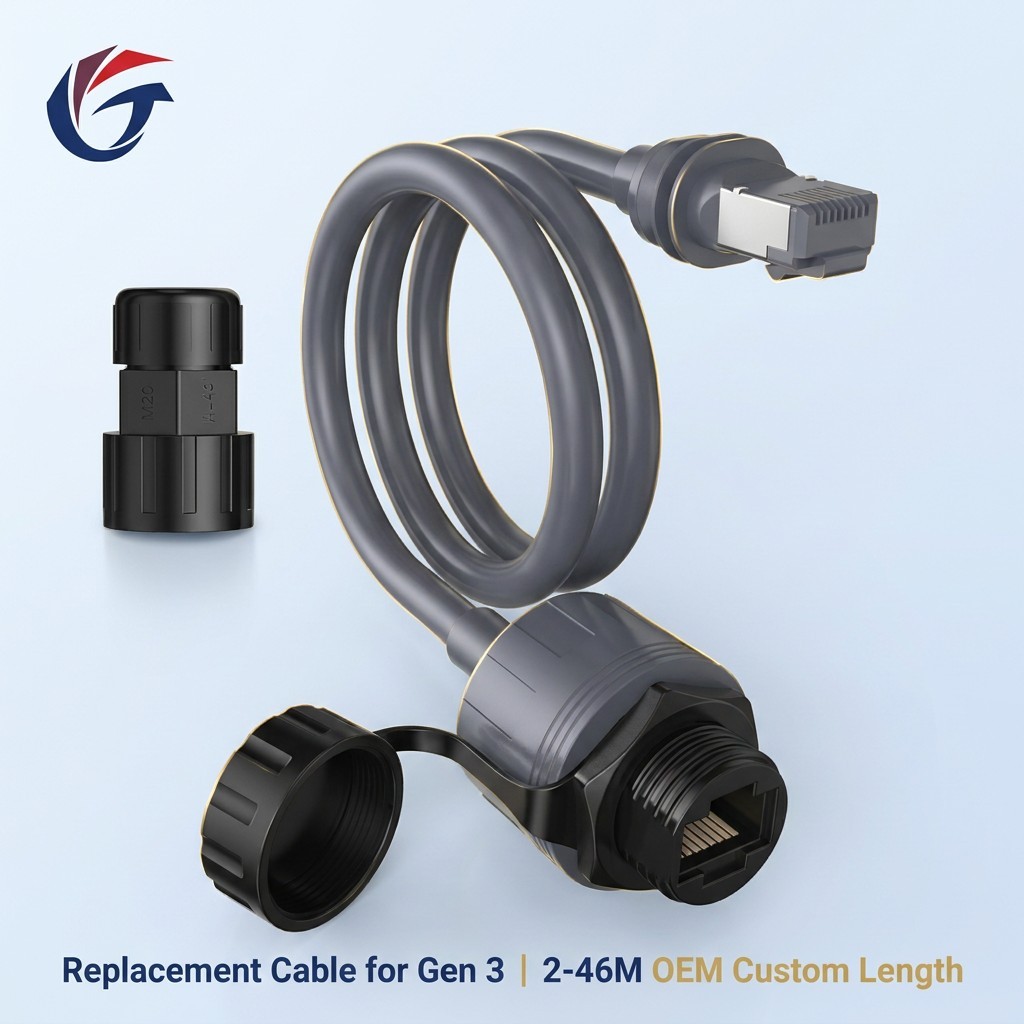
Starlink Gen 2 vs. Gen 3 Cables: A Complete Buying Guide for Resellers and Installers
Choosing the right Starlink cable is essential for maintaining a reliable satellite internet connection and ensuring compatibility between equipment. As Starlink continues to develop its hardware, Gen 2 and Gen 3 systems use different connection designs and cable requirements. Selecting an incompatible cable can lead to installation difficulties, unnecessary replacement costs, or equipment that cannot connect as expected.
For resellers, distributors, and professional installers, understanding the differences between Starlink Gen 2 and Gen 3 cables is particularly important. Beyond connector compatibility, buyers should consider cable length, environmental durability, installation conditions, and supplier reliability.
Tuochi Intelligent provides connectivity accessory solutions for customers looking for practical cable options for different applications. This guide explains the key differences between Starlink Gen 2 and Gen 3 cables and outlines what to consider when sourcing replacement or extension cables.
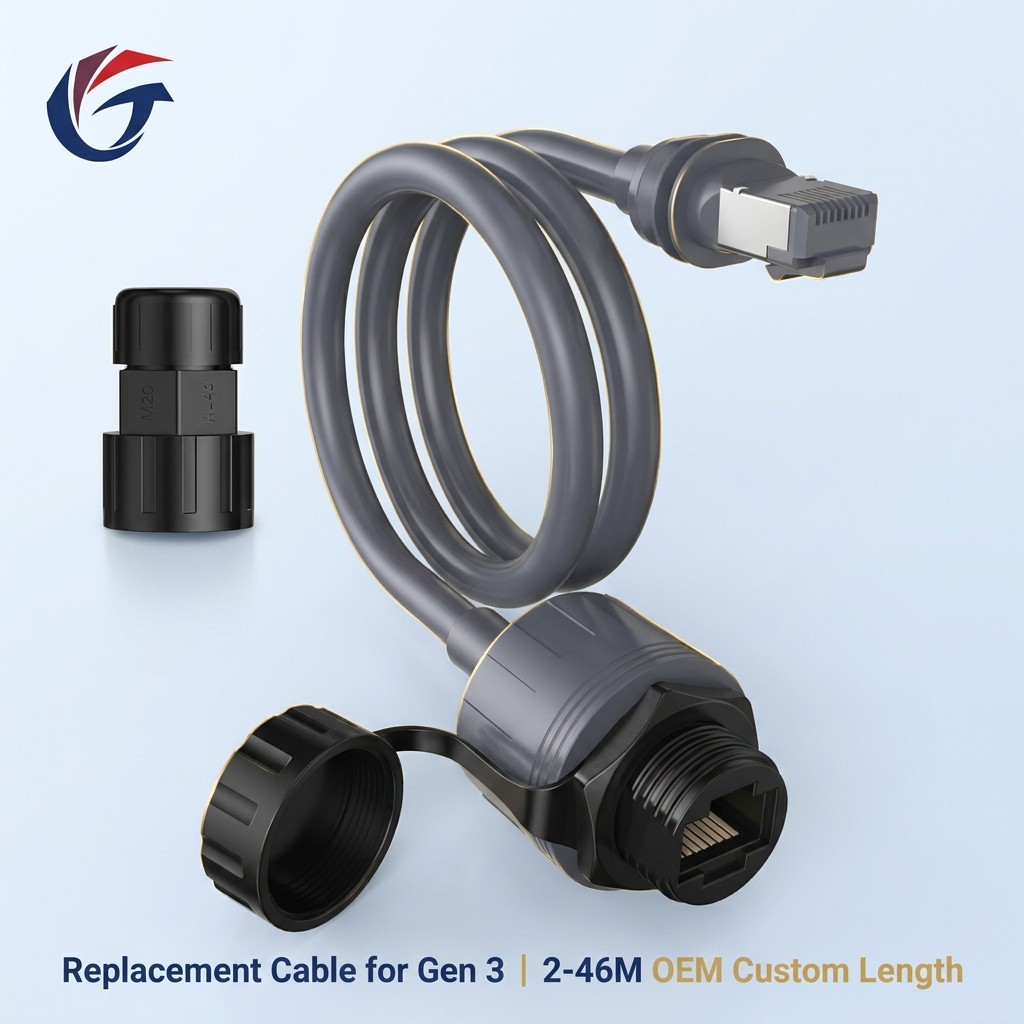
Why Choosing the Right Starlink Cable Matters for Your Business
A Starlink cable is more than a simple connection accessory. It plays an important role in connecting the satellite dish to the rest of the system, and its specifications must match the hardware being used.
For individual users, the wrong cable can delay installation or prevent a planned setup from working correctly. For distributors and installers, compatibility problems can lead to product returns, additional labor, and customer dissatisfaction.
Choosing the right cable helps businesses address several important requirements:
Equipment compatibility: The cable must match the connector design and connection requirements of the specific Starlink generation.
Installation flexibility: Suitable cable lengths and routing options make it easier to install equipment in homes, commercial buildings, RVs, and remote locations.
Environmental suitability: Outdoor installations require cables and connections that can withstand the conditions specified for the application.
Long-term reliability: Appropriate cable construction and quality control can help reduce premature failures and maintenance requirements.
For businesses purchasing in volume, verifying these specifications before ordering is more effective than relying on product names alone.
Starlink Gen 2 vs. Gen 3 Cables: What Are the Main Differences?
Starlink Gen 2 and Gen 3 hardware differ in their connection arrangements, so their cable requirements should not be assumed to be interchangeable.
The exact cable needed depends on the terminal model, router configuration, and whether the cable is intended for the dish connection, router connection, or another part of the installation.
Connector Design and Compatibility
The most important consideration when comparing Starlink Gen 2 vs. Gen 3 cables is connector compatibility.
Gen 2 equipment uses a proprietary connection arrangement associated with its hardware generation. Gen 3 systems use a different connection design, including Ethernet-based connectivity in their standard router configuration. As a result, a cable designed for one connection point may not work with another, even if both products are marketed for Starlink applications.
Before purchasing, confirm the exact equipment model and identify both ends of the required connection. Do not assume that a cable labeled simply as a Starlink cable will fit every generation.
Cable Length and Installation Requirements
Cable length affects how easily equipment can be positioned and how the cable can be routed through a building or vehicle.
Shorter cables may suit installations where the terminal and connected equipment are close together. Longer cables can provide more flexibility when the dish must be positioned on a roof, mast, or other location with a clear view of the sky.
However, the maximum supported cable length depends on the particular Starlink system and cable specification. Longer is not automatically better. Buyers should confirm the manufacturer's supported lengths and any applicable performance limitations before extending an installation.
Power and Data Transmission
Different Starlink cable assemblies may serve different functions, including carrying power and data or providing an Ethernet network connection. These functions depend on the equipment and connection point involved.
A standard Ethernet cable should not automatically be treated as a replacement for a proprietary dish cable. Likewise, a cable intended for a powered terminal connection may have requirements that differ from those of an ordinary network patch cable.
When sourcing replacement cables, check the connector type, electrical requirements, wiring specification, and intended use rather than relying only on appearance.
Outdoor Durability and Cable Construction
Starlink installations frequently involve outdoor exposure, including sunlight, rain, temperature fluctuations, and physical wear during installation.
For outdoor cable assemblies, buyers should evaluate jacket material, UV resistance, moisture protection, connector sealing, and the manufacturer's stated operating conditions. Installation practices also matter: excessive bending, crushing, or tension can damage cables and compromise connections.
Tuochi Intelligent recommends matching cable construction to the intended installation environment and confirming the relevant product specifications before purchase.
Comparison Table: Starlink Gen 2 vs. Gen 3 Cables
The following comparison provides a general overview of the factors buyers should evaluate. Exact specifications and compatibility depend on the Starlink equipment model and the particular cable assembly.
| Comparison Factor | Starlink Gen 2 | Starlink Gen 3 |
|---|---|---|
| Connection arrangement | Generation-specific proprietary connections for the dish system | Different hardware connection design; standard router connections include Ethernet |
| Cable compatibility | Must match the applicable Gen 2 terminal and connection point | Must match the applicable Gen 3 equipment and connection point |
| Replacement cable selection | Confirm the original cable type and supported length | Confirm the required cable type, connector, and connection function |
| Installation flexibility | Depends on supported cable options and installation configuration | Depends on supported cable options and installation configuration |
| Outdoor suitability | Verify jacket, connector protection, and environmental specifications | Verify jacket, connector protection, and environmental specifications |
| Cross-generation use | Do not assume compatibility with Gen 3 equipment | Do not assume compatibility with Gen 2 equipment |
This comparison is intended as a purchasing overview rather than a complete technical specification sheet. Always verify the requirements for the exact terminal and cable assembly before placing an order.
How to Choose the Right Starlink Gen 2 or Gen 3 Cable
Selecting a suitable cable begins with identifying the equipment and installation requirements. The following steps can help resellers, installers, and end users reduce compatibility issues.
Step 1: Identify Your Starlink Hardware
Confirm whether the installation uses Gen 2 or Gen 3 hardware. If the equipment generation is unclear, check the model information and the original installation documentation.
This step is especially important for businesses that stock replacement cables for multiple Starlink systems. Similar product descriptions do not guarantee identical connectors or electrical requirements.
Step 2: Confirm the Connection Type
Determine whether the cable connects the dish to the system, connects a router to another network device, or serves as an extension.
These connections can require different cable designs. For example, a standard Ethernet cable may be appropriate for a supported Ethernet connection but unsuitable as a direct replacement for a proprietary dish cable.
Step 3: Select an Appropriate Cable Length
Measure the intended cable route before purchasing. Include the distance required to move around corners, pass through access points, and reach the final equipment position.
Avoid unnecessary excess cable, tight bends, and routes that expose the cable to repeated abrasion. For longer runs, verify the supported length and technical requirements of the relevant system.
Step 4: Evaluate Environmental Conditions
For indoor installations, flexibility and practical cable management may be the primary concerns. Outdoor installations require additional attention to sunlight exposure, water protection, temperature range, and connector sealing.
For RVs, mobile installations, and remote work sites, consider vibration, repeated movement, and potential mechanical damage.
Step 5: Verify Supplier Specifications
Before ordering, request clear product information, including connector images, supported hardware models, available lengths, cable construction, and applicable test or compliance documentation.
For bulk purchases, confirm that the samples, production specifications, and delivered products are consistent. Clear documentation helps installers select the correct cable and helps distributors answer customer questions.
Common Mistakes When Buying Starlink Cables
Even experienced buyers can encounter issues when product descriptions do not clearly distinguish between cable types.
Assuming Gen 2 and Gen 3 Cables Are Interchangeable
Different hardware generations may use different connectors and connection arrangements. Always confirm compatibility rather than purchasing based on the Starlink name alone.
Choosing a Cable Based Only on Length
A cable that reaches the required location is not necessarily suitable for the application. Connector design, electrical requirements, and supported cable length are equally important.
Using Indoor Cables in Outdoor Environments
Not every cable is designed for prolonged outdoor exposure. Using a product outside its specified conditions can increase the risk of jacket deterioration, moisture ingress, or connection problems.
Overlooking Installation Quality
Sharp bends, excessive pulling force, poorly protected cable entries, and loose connections can affect long-term reliability. Following the manufacturer's installation instructions helps protect the cable and connected equipment.
Ignoring Supplier Documentation
Incomplete specifications make it difficult to distinguish compatible products from unsuitable alternatives. Businesses should request model-specific compatibility information before committing to large orders.
Why Source Starlink Cable Solutions from Tuochi Intelligent?
For resellers, distributors, and installation businesses, choosing a cable supplier involves more than comparing unit prices. Product consistency, technical communication, and the ability to identify the correct specification are also important.
Tuochi Intelligent focuses on providing practical connectivity accessory solutions for different customer requirements.
Compatibility-Focused Product Selection
Clear identification of the intended Starlink generation, connection type, and cable length helps buyers choose products suited to their installations. Confirming these details before ordering can reduce unnecessary returns and installation delays.
Options for Different Installation Needs
Cable requirements vary between residential installations, commercial sites, RVs, and remote locations. Buyers should select the appropriate product configuration based on the installation route, environment, and supported hardware specifications.
Quality and Specification Verification
For commercial purchasing, documented specifications and consistent production standards are important. Buyers can request relevant information about connector configuration, cable construction, available lengths, and quality checks before placing an order.
Support for B2B Purchasing
Distributors and installers often need to manage multiple product variants and repeat orders. Clear product identification and communication about technical requirements can simplify purchasing and inventory management.
When evaluating Tuochi Intelligent or any other supplier, confirm the specific products available, their compatibility documentation, and the commercial terms that apply to your order.
Frequently Asked Questions
Are Starlink Gen 2 and Gen 3 cables interchangeable?
Not necessarily. The two hardware generations have different connection arrangements, and compatibility depends on the cable type and connection point. Verify the exact equipment model before purchasing a replacement.
Can I use a standard Ethernet cable with Starlink Gen 3?
A standard Ethernet cable can be used for supported Ethernet connections when the connector type and other requirements match. It should not be assumed to replace the cable required for a proprietary dish connection.
How long can a Starlink cable be?
Supported lengths vary by Starlink model, cable type, and installation configuration. Check the manufacturer's documentation before choosing a longer cable or adding an extension.
What should I look for in an outdoor Starlink cable?
Check the cable jacket, UV resistance, moisture protection, connector sealing, operating temperature range, and compatibility with the intended equipment. Installation conditions should also be considered.
How can distributors reduce Starlink cable returns?
Distributors can reduce compatibility-related returns by confirming hardware generation, connector type, cable function, and supported length before ordering. Clear product descriptions and accurate technical documentation also help customers make informed purchasing decisions.
What information should I provide when requesting a cable quotation?
Provide the Starlink hardware generation and model, required cable function, connector details if known, preferred length, installation environment, quantity, and destination market. For bulk orders, ask the supplier to confirm compatibility and provide the relevant specifications before production or shipment.
Understanding the differences between Starlink Gen 2 and Gen 3 cables helps buyers avoid compatibility problems and select products suited to their installation requirements. Connector design, cable function, length, environmental durability, and supplier documentation should all be considered before making a purchase.
For resellers, distributors, and installers, a reliable sourcing process begins with accurate equipment identification and clear technical specifications. Tuochi Intelligent offers a brand to consider when evaluating connectivity accessory solutions for different installation needs.
Before placing an order, confirm the exact cable configuration and compatibility requirements for your Starlink equipment to ensure that the selected product matches the intended application.